BlogComparisons
Hunter vs Lusha: Email Finder vs Contact Records

By Rahul LakhaneyPublished on: May 20, 2026 · 10 min read · Last reviewed: May 2026
On this page
TL;DR
Hunter and Lusha both help you reach prospects, but in opposite ways. Hunter is a focused email finder and verifier built around the domain, with no phone numbers. Lusha is a Chrome-extension-first contact platform that returns full records with email and phone. Here is which fits — and where waterfall enrichment beats either one.
Feature matrix across all tools reviewed
| Feature | Hunter | Lusha | Enrich |
|---|---|---|---|
| Core job | Email finder + verifier | Contact records (email + phone) | Waterfall enrichment (email + phone) |
| Best for | Email-led, domain-based | LinkedIn contact-record prospecting | Any team |
| Phone numbers | Credit-gated | ||
| Email verification | Category-leading, 0.5-credit model | Standard | |
| Workflow | Domain Search, bulk, API | Chrome extension on LinkedIn | API + MCP |
| Free plan | 50 credits/mo + 1 mailbox | 40 credits/mo (incl. phones) | 100 free credits |
| Entry paid | $34/mo (annual) | Public per-seat + credits | $49/mo |
| Waterfall enrichment |
Monthly cost by lookup volume
| Volume | Hunter | Lusha | Enrich |
|---|---|---|---|
| Free | 50 credits/mo + 1 mailbox | Free tier (incl. phones) | 100 free credits |
| Entry paid | Starter $34/mo | Public credit pricing | $49/mo (100K credits) |
| Mid tier | Growth $104/mo | Add credits + seats | $149/mo (500K credits) |
| Higher tier | Scale $209/mo | Higher credit tiers | $499/mo (2.5M credits) |
Choose Hunter if your motion is email-led and domain-based: you want to find and verify work emails at scale, you value the cleanest email data reputation in the category, and you want the most generous free plan around (50 credits a month plus a mailbox). Hunter does email, and only email, very well.
Choose Lusha if you prospect off LinkedIn and need full contact records with both verified emails and phone numbers, delivered through a fast Chrome extension on transparent credit pricing with a free tier. Lusha is the better fit when phones matter and your list-building happens profile by profile.
Choose a waterfall enrichment layer like Enrich if your priority is the highest match rate per contact at a predictable cost. Waterfall enrichment queries several providers per record and keeps the first verified hit, which lifts fill rates above any single source and returns both email and phone in one record.
Hunter is the cleanest, most focused email tool in the category. Its core features are Domain Search, which returns the email addresses and patterns on a company domain; Email Finder, which finds a specific person's work email; and Email Verifier, which checks deliverability. It does not try to be a contact platform, and that focus is exactly why its email data reputation is so strong.
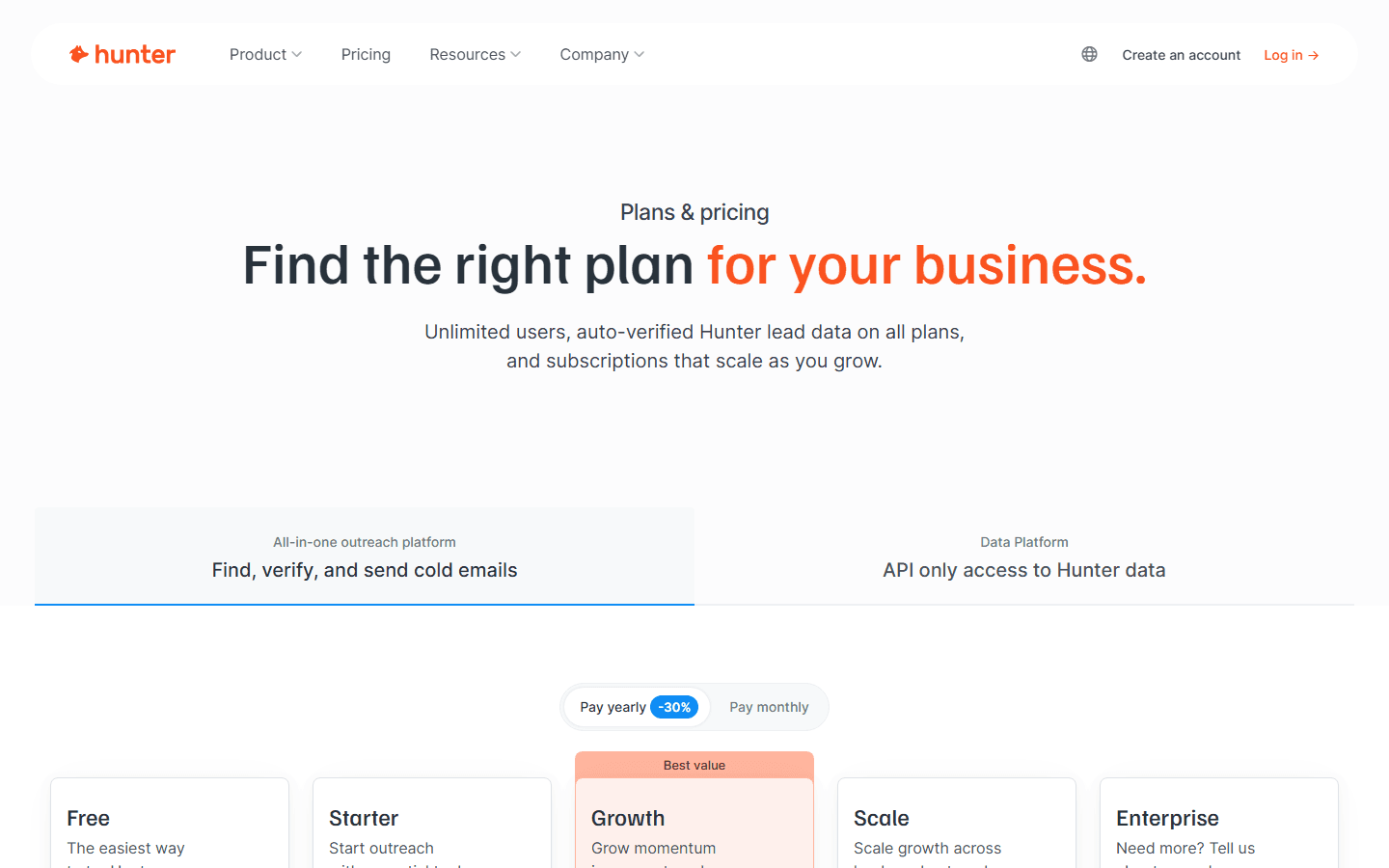
The credit model is genuinely honest, which is rare. Verification costs half a credit and is only charged on a real result, and the free plan gives you 50 credits a month plus one connected mailbox, the most generous free tier in the category. Paid plans are public and predictable: Starter at $34 a month, Growth at $104, and Scale at $209 on annual billing. There is also a Simple Campaigns sequencer for basic outreach.
The honest limitation is scope. Hunter has no phone numbers, no intent data, and no LinkedIn contact-record workflow. It is a precise email instrument, not a full contact database.
Lusha is built around the contact record and the Chrome extension. Pull up a LinkedIn profile or a company page and Lusha surfaces a verified email and phone number on the spot, so a rep can build a list and start outreach in a single session. Where Hunter starts from the domain, Lusha starts from the person, which fits the way most SDRs actually prospect on LinkedIn.
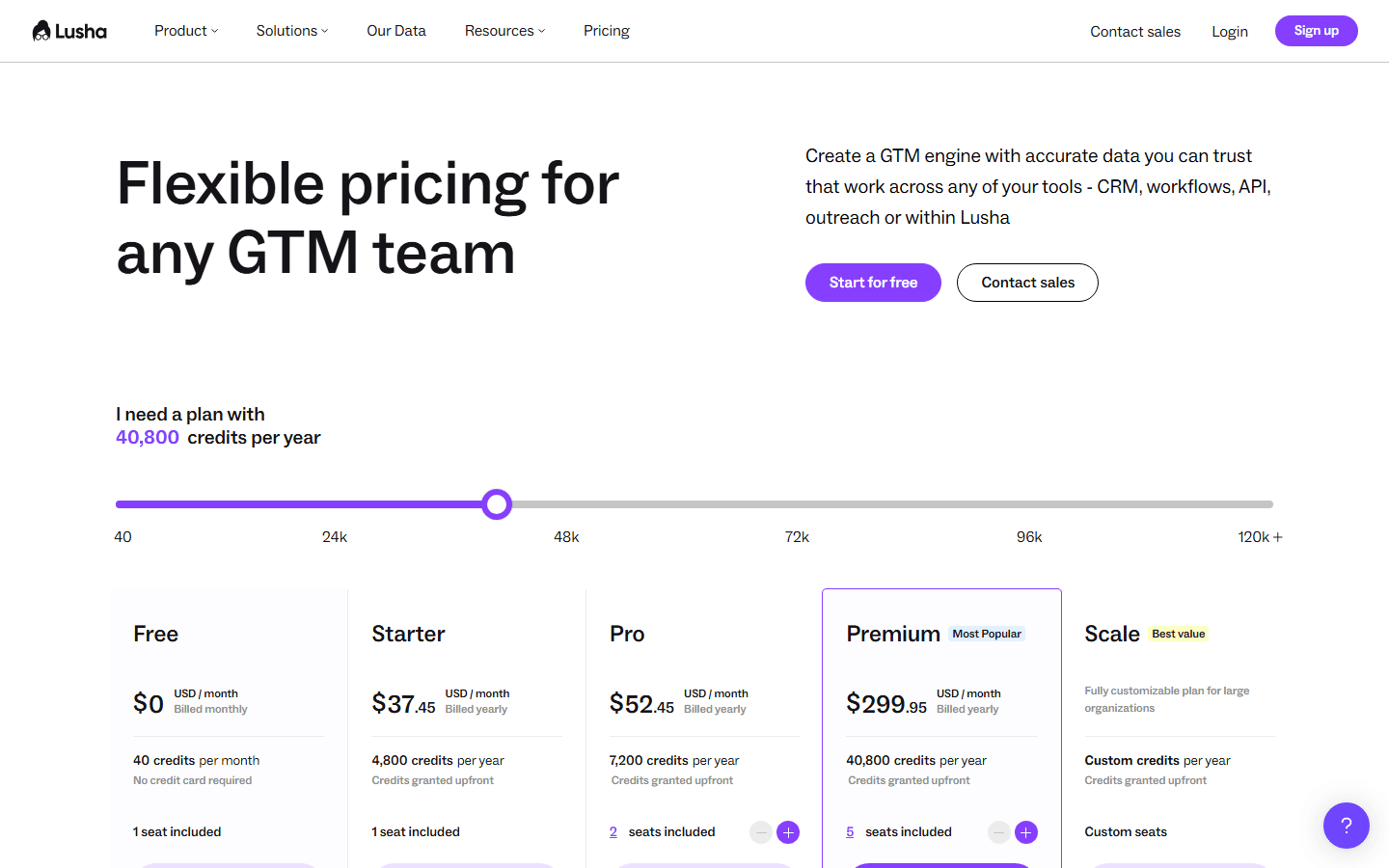
Phones are the clearest difference. Lusha provides mobile and direct numbers alongside emails, credit-gated but perfectly usable for day-to-day outbound, and that makes it a genuine multi-channel tool where Hunter is email-only. Pricing is public and credit-based with a free tier, so a small team can start free and scale self-serve without a contract.
The honest limitation is depth and focus. Lusha's database is broad but shallower on firmographics, its intent signals are limited, and reviewers note the extension experience is more polished than the underlying data depth. On pure email verification reputation, Hunter is generally regarded as the cleaner source.
Email-finding approach: Hunter works from the domain outward — it knows the email patterns on a company and returns verified addresses at scale, ideal for bulk, domain-based campaigns. Lusha works from the person outward, returning the contact record for a specific LinkedIn profile, email and phone together. If you build lists by company, Hunter wins; if you build lists profile by profile, Lusha fits better.
Phone data: Lusha wins by default, because Hunter has no phone numbers at all. Lusha provides credit-gated mobile and direct dials alongside emails. For email-only motions this does not matter, but for any phone-led team it is decisive.
Verification and data cleanliness: Hunter wins on email verification. Its Email Verifier is category-leading, the half-credit verification model only charges on a real result, and its email data reputation is among the cleanest in the space.
Free plan and pricing: Both offer a free tier, but Hunter's is the most generous: 50 credits a month plus one connected mailbox. Hunter's paid tiers are public at $34, $104, and $209 a month on annual billing. Lusha's free tier is solid too, with public credit pricing, and its credits include phones.
Workflow: Hunter fits bulk and API-driven workflows. Lusha fits the in-the-moment LinkedIn workflow: install the extension, browse profiles, and capture records as you go.
Hunter gives you clean emails but no phones, and Lusha gives you contact records but shallower depth and weaker email-verification reputation. In both cases you are relying on one source, and no single source wins on every contact, channel, and region. Waterfall enrichment removes that ceiling.
Enrich queries multiple data providers in sequence for each record and keeps the first verified result, so the emails Hunter cannot find on a domain get backfilled, the phones Hunter does not carry get added, and the depth Lusha lacks gets supplemented. You get one CRM-ready record per prospect with both email and phone, higher overall fill rates than any single tool, and transparent per-credit pricing instead of stacking subscriptions. With an API and an MCP server, Enrich can run inside your own systems and AI agents.
Choose Hunter if your motion is email-led and domain-based, you want the cleanest email data, and you value the most generous free plan in the category.
Choose Lusha if you prospect on LinkedIn and need full contact records with both emails and phones.
Choose waterfall enrichment if you want the highest match rate, both email and phone in one record, and CRM-ready data without stacking single-source tools.
No. Hunter is a focused email finder and verifier with no phone numbers, no intent data, and no LinkedIn contact-record workflow. Lusha provides credit-gated mobile and direct dials alongside emails. If your outbound includes calling, Hunter alone cannot cover that channel.
Hunter is generally regarded as the cleaner email source, with a category-leading verifier and an honest half-credit verification model that only charges on a real result. Lusha verifies its data too, but on pure email deliverability reputation Hunter has the edge. Lusha's advantage is that its records include phones.
Hunter has the most generous free plan in the category: 50 credits a month plus one connected mailbox, enough to run real email campaigns before paying. Lusha also offers a free tier with limited monthly credits that include phone lookups. For email-only testing, Hunter's free plan goes further.
Hunter's paid plans are public and predictable: Starter at $34 a month, Growth at $104, and Scale at $209 on annual billing, on top of the free plan. Lusha uses public, credit-based pricing with self-serve upgrades.
For teams that want both email and phone in one record at the highest match rate, a waterfall enrichment platform like Enrich is the strongest alternative because it pulls from several sources rather than one. See our best Hunter alternatives and best Lusha alternatives roundups.
100 free API credits. No credit card required. Start enriching data in minutes.