CompareLeadIQ
EnrichvsLeadIQ

Enrich vs LeadIQ

Last reviewed: March 2026

Credit-based enrichment API vs per-seat prospecting tool

LeadIQ is a smart B2B prospecting platform that helps sales teams capture leads from LinkedIn, enrich contact data, and sync to CRMs. Enrich is an API-first data enrichment platform with 300M+ contacts, Lead Finder, Waterfall ICP Search, and bulk processing. LeadIQ charges per seat and limits data access by plan. Enrich uses credit-based pricing with no seat limits, starting at $49/mo for 100K credits.
What is LeadIQ?

LeadIQ is a B2B prospecting platform designed for sales development teams. The platform integrates with LinkedIn and Sales Navigator to capture contact data with a single click, then syncs that data directly to your CRM (Salesforce, HubSpot, Outreach, Salesloft). LeadIQ also includes Scribe, an AI email writer that generates personalized outreach messages.

LeadIQ differentiates through its LinkedIn workflow integration and job change tracking. The platform alerts users when prospects change jobs, providing a trigger for timely outreach. LeadIQ also offers data verification and enrichment to keep CRM records current.

The platform uses per-seat pricing with data access limits that increase with plan tier. All plans require annual billing on paid tiers.

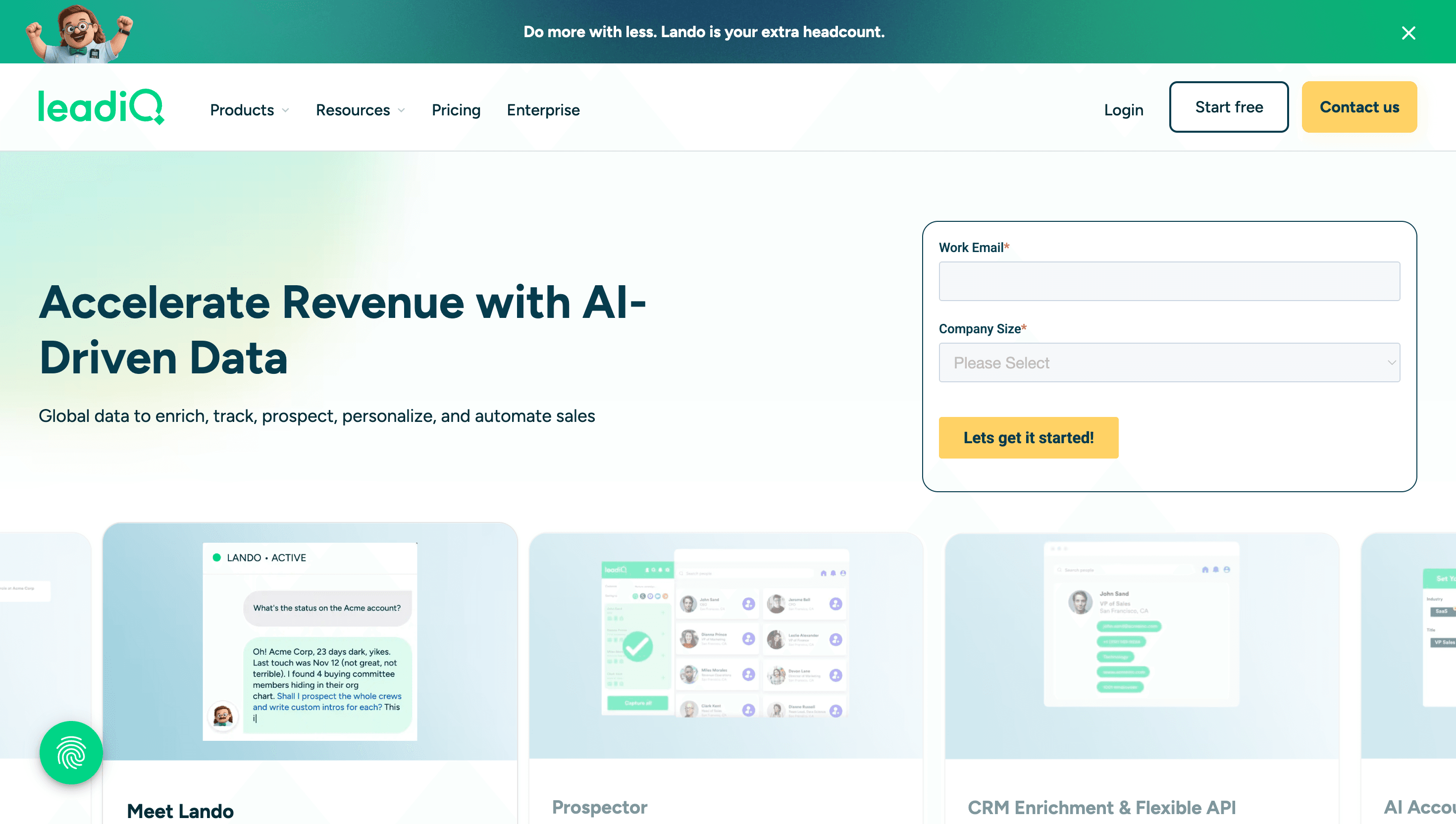
LeadIQ smart B2B prospecting platform showing contact capture and CRM sync features
LeadIQ focuses on LinkedIn-based prospecting with one-click contact capture, CRM sync, and AI email generation. Pricing is per user per month.
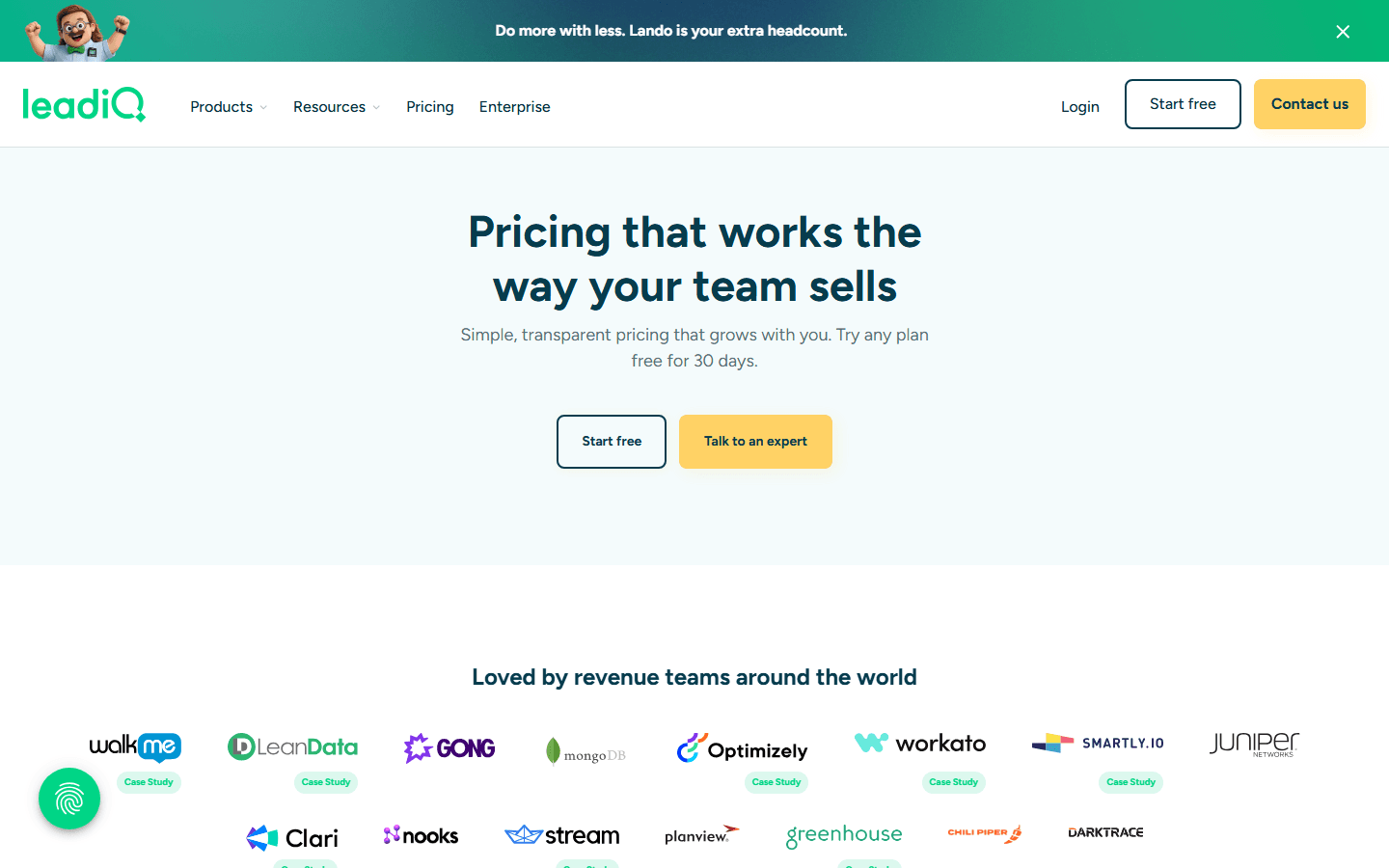
LeadIQ pricing page showing plans and costs
LeadIQ pricing: Freemium ($0, 50 emails/week), Essential ($36/user/mo, 1,000 emails/mo), Pro ($79/user/mo, 2,000 emails/mo), and Enterprise (custom). Annual billing required on paid plans.

Pricing: Enrich vs LeadIQ

LeadIQ pricing

Freemium$0

50 verified work emails/week. 5 mobile phone numbers/mo. 40 email generations/mo.

Essential$36/user/mo

1,000 verified work emails/mo. 40 mobile phones/mo. Annual billing required.

Pro$79/user/mo

2,000 verified work emails/mo. 80 mobile phones/mo. CRM enrichment. Job change alerts.

EnterpriseCustom

Custom limits. SSO. Advanced CRM integrations. Dedicated support.

Enrich pricing

Free$0

100 credits. No credit card required.

Growth Pack$49/mo

100,000 credits ($0.0005/credit). No per-seat fee.

Scale Pack$149/mo

500,000 credits ($0.0003/credit). No contracts.

Pro Pack$499/mo

2,500,000 credits ($0.0002/credit). Best value at scale.

EnterpriseCustom

Talk to sales for custom volume.

Pricing verdict
LeadIQ's Pro plan costs $79/user/mo for 2,000 verified work emails and 80 mobile numbers per month. A 5-person team pays $4,740/year for 10,000 emails and 400 mobile numbers per month. Enrich's Growth Pack costs $49/mo ($588/year) for 100,000 credits shared across the entire team with no seat limits. That is 10x more data access for 8x less cost. LeadIQ's per-seat model becomes increasingly expensive as teams grow.

See full Enrich pricing with all plan details.

Feature comparison

Feature
Enrich
LeadIQ
Pricing model
Credit-based from $0.0005/credit (Growth Pack $49/mo). No seats, no minimums.
Per-seat from $36/user/mo. Annual billing on paid plans.
Email Finder
94%+ enrichment accuracy, sub-200ms API response
Verified work emails with per-seat monthly limits
Email Validation
SMTP verification, catch-all & disposable detection
Verification included in contact capture
Phone Finder
Direct phone numbers via API
Mobile numbers limited per seat per month (40-80/mo)
Reverse Email Lookup
Full person + company profile from email
Not available as standalone
Lead Finder
300M+ contacts, 100+ filters (technographics, funding, hiring signals, traffic), 1 credit/person
No standalone lead finder. Captures data from LinkedIn.
People Search / Employee Finder
Find employees by company, title, seniority (1 credit)
LinkedIn-based search with browser extension
Waterfall ICP Search
Cascading multi-source ICP matching, 0-100 scoring, 1 credit/record
Not available
Company Follower Analysis
Analyze company followers for lookalike targeting (25 credits/follower, free count)
Not available
LinkedIn Integration
Data available via API (no browser extension)
Deep LinkedIn/Sales Navigator integration with browser extension
AI Email Writing
Not included
Scribe AI generates personalized outreach emails
Job Change Tracking
Not currently offered
Automated alerts when prospects change jobs
CRM Sync
REST API, webhooks for any CRM integration
Native Salesforce, HubSpot, Outreach, Salesloft sync
Technographic Filters
Filter by CRM, marketing automation, cloud provider
Limited filtering via LinkedIn search
Funding & Hiring Signals
Funding rounds and hiring trends in Lead Finder
Not available
Bulk processing
Up to 500K records per batch with webhooks
No bulk processing. Individual contact capture.
MCP Server
Native MCP server for Claude, OpenAI, Gemini
No AI agent integration

LinkedIn-first vs API-first: different approaches to prospecting

LeadIQ is built around the LinkedIn workflow. Sales reps browse LinkedIn or Sales Navigator, click the LeadIQ extension to capture contact data, and the platform syncs it to their CRM. This is effective for reps who live in LinkedIn and prospect manually.

Enrich takes the opposite approach. Everything is API-first: search 300M+ contacts with 100+ filters, enrich data programmatically, process bulk lists, and integrate with any system via webhooks. This approach works better for teams building automated prospecting workflows, using AI agents, or processing data at scale.

For individual reps doing manual LinkedIn prospecting, LeadIQ's extension is convenient. For teams building scalable, automated data pipelines, Enrich provides far more flexibility.

Data limits and team scaling

LeadIQ's per-seat model creates a direct relationship between team size and data cost. Each Pro user gets 2,000 emails and 80 mobile numbers per month. Adding a sixth rep costs another $79/mo.

With Enrich, data credits are pooled. The Growth Pack provides 100,000 credits for the entire team regardless of how many people access it. This means a 10-person team has the same data budget as a 1-person team, eliminating the tension between growing the team and controlling data costs.

At scale, a 10-person team on LeadIQ Pro pays $790/mo for 20,000 total emails. The same team on Enrich pays $49/mo for 100,000 credits. That is 5x more data for 16x less cost.

What LeadIQ does better

LeadIQ excels at LinkedIn-native prospecting with its browser extension, one-click CRM sync, and AI email generation (Scribe). The job change tracking feature is genuinely useful for trigger-based outreach. If your team's primary workflow is browsing LinkedIn profiles and capturing contact data one at a time, LeadIQ provides a smoother experience than using an API.

Enrich does not offer a browser extension, AI email writing, or job change alerts. For these specific use cases, LeadIQ or similar tools fill a gap. However, many teams find they can use Enrich's Lead Finder to build targeted lists more efficiently than manual LinkedIn browsing.

Why teams choose Enrich over LeadIQ

Pros
  • No per-seat pricing: LeadIQ charges per user per month, making it expensive for growing teams. Enrich's credit packs are shared across your entire team. A 5-person team on LeadIQ Pro pays $395/mo. Enrich's Growth Pack costs $49/mo for everyone.
  • 100x more data access per dollar: LeadIQ Pro gives each user 2,000 emails and 80 mobile numbers per month. Enrich's Growth Pack provides 100,000 credits for $49/mo with no per-user limits. That is dramatically more data access at a fraction of the cost.
  • Full Lead Finder with 300M+ contacts: Enrich includes a standalone Lead Finder with 300M+ contacts and 100+ filters. LeadIQ relies on LinkedIn for prospecting and does not have its own searchable database with technographic, funding, or hiring filters.
  • Waterfall ICP Search and Company Follower Analysis: Enrich offers cascading ICP search with 0-100 scoring and Company Follower Analysis for lookalike targeting. These advanced prospecting features are not available in LeadIQ.
  • API-first for automation: Enrich is built API-first with REST endpoints, typed SDKs (Node.js, Go), webhooks, and MCP server support. LeadIQ is browser extension-first, designed for manual LinkedIn prospecting rather than automated workflows.
Cons
  • LeadIQ is a broader platform with more built-in sales tools
  • LeadIQ may be better if you need an all-in-one suite

No per-seat pricing

LeadIQ charges per user per month, making it expensive for growing teams. Enrich's credit packs are shared across your entire team. A 5-person team on LeadIQ Pro pays $395/mo. Enrich's Growth Pack costs $49/mo for everyone.

100x more data access per dollar

LeadIQ Pro gives each user 2,000 emails and 80 mobile numbers per month. Enrich's Growth Pack provides 100,000 credits for $49/mo with no per-user limits. That is dramatically more data access at a fraction of the cost.

Full Lead Finder with 300M+ contacts

Enrich includes a standalone Lead Finder with 300M+ contacts and 100+ filters. LeadIQ relies on LinkedIn for prospecting and does not have its own searchable database with technographic, funding, or hiring filters.

Waterfall ICP Search and Company Follower Analysis

Enrich offers cascading ICP search with 0-100 scoring and Company Follower Analysis for lookalike targeting. These advanced prospecting features are not available in LeadIQ.

API-first for automation

Enrich is built API-first with REST endpoints, typed SDKs (Node.js, Go), webhooks, and MCP server support. LeadIQ is browser extension-first, designed for manual LinkedIn prospecting rather than automated workflows.

Bottom line
If you need a focused, developer-friendly data enrichment API with transparent credit-based pricing, Enrich is the better choice. Start with 100 free credits to see the difference.

Frequently Asked Questions

Looking for more LeadIQ alternatives?
We reviewed 7 alternatives to LeadIQ in our full guide, including detailed pros, cons, pricing breakdowns, and screenshots. Read the full LeadIQ alternatives guide →

Switch to Enrich

100 free API credits. No credit card required. See the data quality for yourself.