BlogComparisons
10 Best CRM Enrichment Tools

By Rahul LakhaneyPublished on: May 20, 2026 · 12 min read · Last reviewed: May 2026
On this page
TL;DR
CRM enrichment tools keep your contact and account records accurate and complete by automatically filling missing fields, correcting stale data, and adding new signals. Here are the 10 best for Salesforce and HubSpot in 2026.
CRM enrichment tools keep your contact and account records accurate and complete by automatically filling in missing fields, correcting stale data, and adding new signals like phone numbers, job titles, and firmographics. For sales and RevOps teams, a clean CRM is the difference between reliable pipeline reporting and wasted outreach. This guide compares the 10 best CRM enrichment tools for 2026, with honest pricing, native CRM support, and trade-offs for each.
CRM data decays faster than most teams account for. People change jobs, companies get acquired, and phone numbers go stale. Common symptoms of under-enriched CRM data include:
We evaluated each tool on data accuracy and match rate (including whether it draws from a single source or uses waterfall enrichment across multiple providers), native Salesforce and HubSpot integrations, field coverage (email, phone, title, company, industry, employee count, and tech stack), pricing transparency, compliance posture (GDPR and DNC screening), and workflow fit (real-time enrichment on new records vs bulk backfill of existing records).
| Tool | Best for | Starting price | Free plan | Native CRM |
|---|---|---|---|---|
| Enrich | Waterfall enrichment for any CRM via API | From ~$39/mo | Trial credits | Salesforce, HubSpot |
| Clearbit (Breeze) | HubSpot-native enrichment | HubSpot bundle | Tier-based | HubSpot |
| ZoomInfo Operations OS | Enterprise Salesforce and HubSpot enrichment | ~$15,000/yr+ | No | Salesforce, HubSpot |
| Clay | Custom enrichment workflows | From ~$149/mo | Yes | Via integrations |
| Apollo | All-in-one prospecting with CRM sync | From ~$49/mo | Yes | Salesforce, HubSpot |
| Cognism Enrich | EU/UK compliance-focused enrichment | Custom | No | Salesforce, HubSpot |
| Lusha | SMB-friendly CRM enrichment | From ~$49/mo | Yes | Salesforce, HubSpot |
| Dropcontact | GDPR-safe algorithmic enrichment | From ~EUR24/mo | No | Pipedrive, HubSpot |
| Datagma | Pay-as-you-go enrichment | Usage-based | No | Via API |
| FullContact | Identity resolution and enrichment | Usage-based, custom | No | Via API |
Enrich is the CRM enrichment tool we recommend evaluating first because it is not locked to any single CRM ecosystem and delivers higher match rates than single-source competitors through waterfall enrichment. Waterfall means Enrich queries multiple data providers in sequence per contact and keeps the first verified result, which consistently lifts overall fill rates above what any single database can deliver. The result is one clean, CRM-ready record per prospect with both email and phone, ready to write back to Salesforce, HubSpot, or any other CRM.
From an implementation standpoint, Enrich ships both a REST API and an MCP server. The API lets you trigger enrichment as part of a CRM automation, a form-submission webhook, or an overnight batch job enriching existing contacts. Email verification is built into each enrichment call, so the addresses written back to your CRM are checked before they land. Pricing is per credit from around $39 per month with no annual contract, and you pay for matched results rather than raw API calls. For RevOps and engineering teams that want CRM enrichment as a reliable service rather than another locked-in platform subscription, Enrich is the most flexible fit. See our guides on how to enrich Salesforce data and how to enrich HubSpot data for step-by-step implementation detail.
Clearbit, now Breeze Intelligence inside HubSpot, is the lowest-effort enrichment option for teams whose entire sales and marketing stack runs in HubSpot. Enrichment triggers on form fills, CRM record creation, and workflow events, filling in firmographic and contact fields without any custom code. Coverage is strong for companies well-represented in Clearbit's database, and tech stack data is included. The limitation is full HubSpot lock-in: outside that ecosystem the tool is not available as a standalone API, and phone data is limited. See our Clearbit pricing breakdown and the Enrich vs Clearbit comparison.
ZoomInfo Operations OS is the CRM enrichment layer of the ZoomInfo platform, designed for large enterprise sales organizations using Salesforce and HubSpot. It provides automated record enrichment, deduplication, and data management at scale, backed by ZoomInfo's deep North American dataset, org charts, and Bombora intent signals. The trade-off is cost: ZoomInfo typically starts around $15,000 per year, pricing is opaque and sales-led, and the platform is overkill for SMBs and mid-market teams. See our ZoomInfo review and best ZoomInfo alternatives.
Clay is a workflow builder that runs waterfall enrichment across many data providers, with AI research layered on top. For RevOps teams that want to build custom enrichment logic, like enriching by LinkedIn URL, then falling back to email, then appending company data from a second source, Clay provides the most flexible setup. Paid plans start from around $149 per month, but costs climb significantly with usage at scale. The learning curve is steep, and Clay requires more setup time than plug-and-play CRM enrichment tools. See our Clay review and best Clay alternatives.
Apollo combines a 275M+ contact database with built-in CRM sync to Salesforce and HubSpot, making it a practical all-in-one for SMB and mid-market teams that want enrichment alongside prospecting and sequences. Paid plans start from around $49 per month with a free tier. The enrichment layer relies on Apollo's single database, so match rates can be lower than waterfall tools, and phone and EU coverage tend to be weaker. See our Apollo review and best Apollo alternatives.
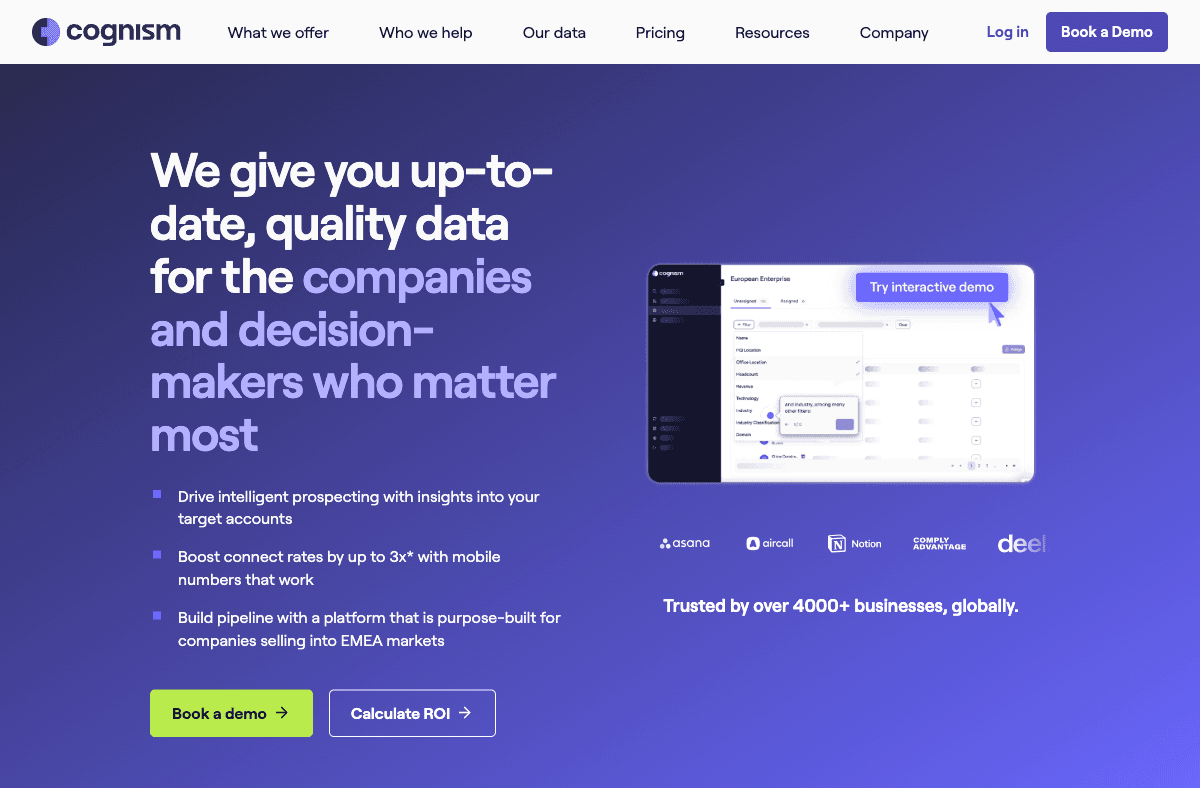
Cognism Enrich brings its human-verified Diamond Data phone numbers and GDPR-first, DNC-screened posture to CRM enrichment for Salesforce and HubSpot. It is the strongest choice for teams selling into the EU and UK where data compliance is a first-order requirement, not an afterthought. Pricing is custom and annual with no free plan. It is not the cheapest option and the sales-led buying process can be slow. See our Cognism review and best Cognism alternatives.
Lusha is a credit-based enrichment tool with a Chrome extension for LinkedIn prospecting and direct Salesforce and HubSpot sync. For small teams that need to enrich individual records quickly without building an API integration, the browser extension and CRM push flow is fast and easy. Paid plans start from around $49 per month with a free tier. The database is shallower than enterprise tools and phone coverage is narrower than dedicated phone data providers. See our Lusha review and best Lusha alternatives.
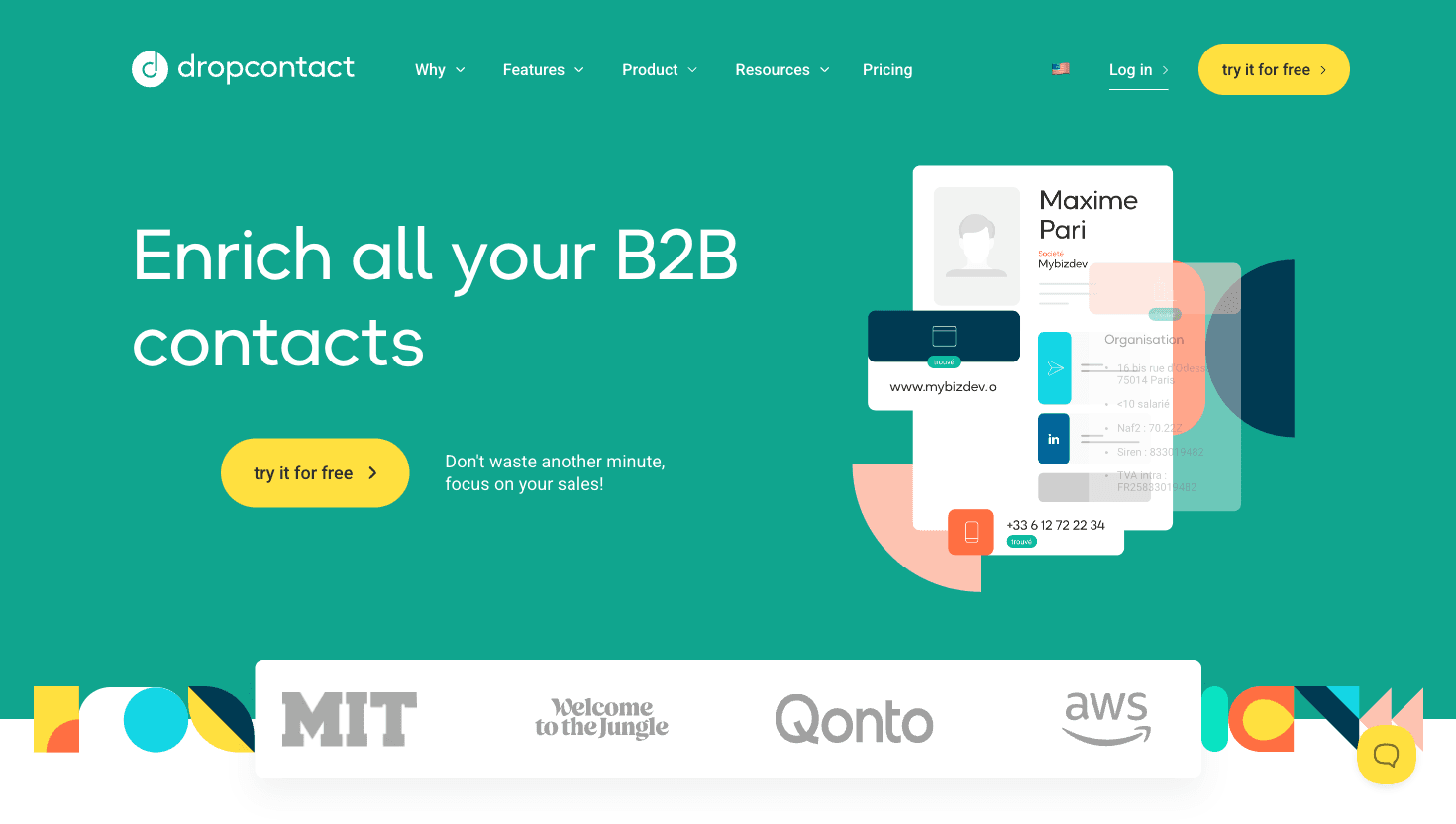
Dropcontact enriches business email and firmographic data using an algorithmic approach rather than querying a stored contact database. This design means it does not hold personal data in the same way database-backed tools do, which is its main GDPR advantage. It integrates natively with Pipedrive and HubSpot. Pricing starts from around EUR24 per month. Phone data is not available, and coverage for contacts outside core European markets can be lower than database tools. See our Enrich vs Dropcontact comparison.
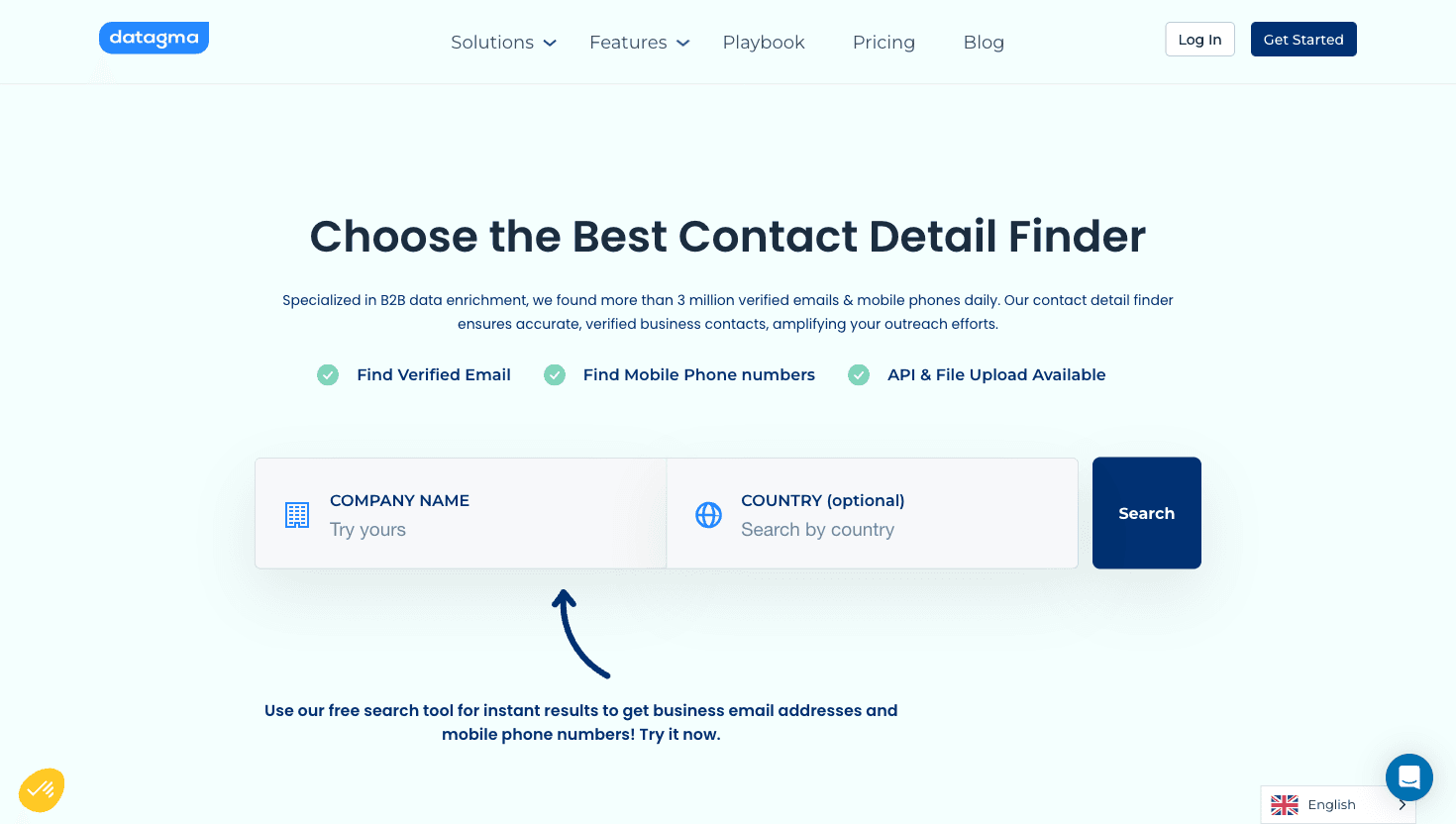
Datagma is a usage-based enrichment API covering email and phone data with no monthly minimum commitment. Teams that enrich CRM records at irregular volumes, or that are prototyping an enrichment workflow before committing to a subscription, find the pay-as-you-go pricing model easier to manage. Coverage is narrower than the larger platforms and CRM write-back requires your own API integration work.
FullContact's enrichment API matches email, phone, and social signals against its identity graph to return unified person and company profiles. It is most useful for customer data platforms and enterprise marketing teams that need to enrich CRM records with identity-graph-level signals for suppression, personalization, or lookalike modeling. Pricing is usage-based and enterprise-custom with no public free plan. B2B sales-focused enrichment is not FullContact's primary use case, and direct phone data is limited. See our guide on how to enrich HubSpot data for a comparison of enrichment approaches.
CRM enrichment tools range from purpose-built waterfall engines to CRM-native plug-ins to heavy enterprise platforms. The choice depends on how much data quality matters to your sales motion, which CRM you run, and whether you need phone data alongside email. For most teams, the biggest risk is choosing a tool that is convenient but single-source, then discovering the match rate does not justify the spend.
Enrich solves that problem by running waterfall enrichment across multiple providers, returning verified email and phone, and writing clean records back to Salesforce, HubSpot, or any CRM. Pricing starts from around $39 per month with no contract and trial credits to validate match rates on your specific lists. Start with Enrich's pricing or read our guides on how to enrich Salesforce data and how to enrich HubSpot data.
For most teams, Enrich is the strongest choice because its waterfall architecture queries multiple data providers per contact, not just one, and it writes clean records with both email and phone to Salesforce, HubSpot, or any CRM. For HubSpot-only teams, Clearbit / Breeze Intelligence is the easiest native integration. For EU and UK compliance-first teams, Cognism Enrich leads on DNC-screened mobile data.
Yes. Enrich, ZoomInfo Operations OS, Apollo, Cognism, and Lusha all support both Salesforce and HubSpot natively. Clearbit / Breeze Intelligence is HubSpot-only. Dropcontact integrates with Pipedrive and HubSpot but not Salesforce natively. Datagma and FullContact require custom API integration for CRM write-back regardless of CRM.
Pricing varies widely. Enrich starts from around $39 per month on a per-credit model with no annual contract. Lusha starts from around $49 per month with a free tier. Apollo starts from around $49 per month. Clay starts from around $149 per month. ZoomInfo typically starts around $15,000 per year. Cognism is custom-priced annually. Dropcontact starts from around EUR24 per month. Datagma is usage-based with no monthly floor.
Yes, most tools support bulk enrichment of existing CRM records, not just enrichment of new inbound contacts. Enrich handles bulk enrichment via its API and supports batch processing. ZoomInfo Operations OS, Apollo, and Cognism all include bulk enrichment flows. Clearbit / Breeze can trigger enrichment on existing HubSpot records. The cost difference between real-time enrichment and bulk backfill varies by vendor, so confirm with each provider before running a large backfill job.
Most established vendors claim GDPR compliance for B2B professional data, but postures differ. Cognism includes explicit DNC screening and human-verified data. Dropcontact's algorithmic approach avoids a stored database, which is the strongest by-design GDPR posture. Enrich provides data processing agreements. Always review the vendor's DPA and confirm their data sourcing methodology, especially for enrichment that will be written to contacts in EU and UK CRM records.
100 free API credits. No credit card required. Start enriching data in minutes.