CompareSurfe
EnrichvsSurfe

Enrich vs Surfe

Last reviewed: March 2026

API-first data enrichment vs LinkedIn CRM bridge

Surfe is a LinkedIn CRM integration tool that syncs contacts, notes, and deals between LinkedIn and your CRM. Enrich is a data enrichment API with 300M+ contacts, Lead Finder, Waterfall ICP Search, and bulk processing. Surfe makes LinkedIn prospecting smoother for CRM users. Enrich provides deeper data, more contacts, and API-first access for building automated workflows.
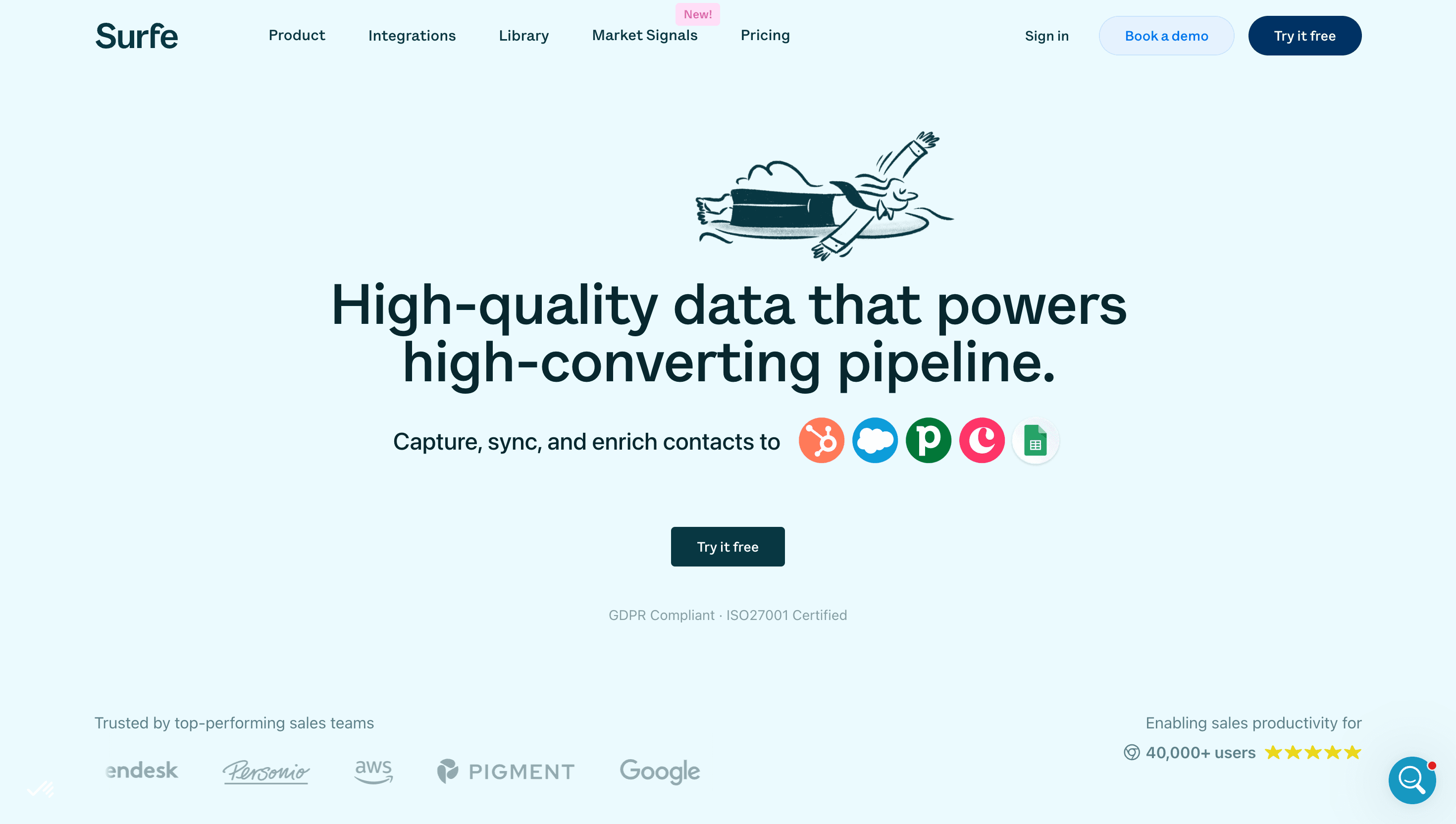
What is Surfe?

Surfe is a browser extension that bridges LinkedIn and your CRM. It overlays directly on LinkedIn and Sales Navigator to let sales reps add contacts to their CRM with one click, enrich profiles with email and phone data, log messages, and manage deals. Surfe supports Salesforce, HubSpot, Pipedrive, Copper, and other CRMs.

The platform focuses on reducing context-switching between LinkedIn and CRM tools. Key features include automatic contact syncing, email finder, phone number finder, message templates, deal pipeline management from LinkedIn, and team collaboration features. Surfe also offers data enrichment powered by waterfall providers to find verified emails and phone numbers.

Surfe is designed for individual sales reps and teams who spend significant time on LinkedIn and want a seamless connection to their CRM without manual data entry.

Surfe platform showing LinkedIn to CRM integration with contact sync and deal management
Surfe overlays on LinkedIn to let sales reps add contacts to their CRM, enrich data, and manage deals without leaving the browser.

Pricing: Enrich vs Surfe

Surfe pricing

Free$0

LinkedIn to CRM sync. Limited features.

Essential$29/user/mo

Email finder (150 credits/mo). CRM sync. Message templates. Annual billing.

Pro$59/user/mo

Email + phone finder (500 credits/mo). Enrichment. Deal management. Annual billing.

EnterpriseCustom

Custom credits. API access. SSO. Dedicated support.

Enrich pricing

Free$0

100 credits. No credit card required.

Growth Pack$49/mo

100,000 credits ($0.0005/credit). No per-seat fee.

Scale Pack$149/mo

500,000 credits ($0.0003/credit). No contracts.

Pro Pack$499/mo

2,500,000 credits ($0.0002/credit). Best value at scale.

EnterpriseCustom

Talk to sales for custom volume.

Pricing verdict
Surfe Pro costs $59/user/mo for 500 credits per user. A 5-person team pays $3,540/year for 2,500 total credits per month. Enrich's Growth Pack costs $49/mo ($588/year) for 100,000 credits shared across the entire team. That is 40x more credits for 6x less annual cost. Surfe's per-seat pricing makes it increasingly expensive as teams scale, while Enrich's credit packs remain flat regardless of team size.

See full Enrich pricing with all plan details.

Feature comparison

Feature
Enrich
Surfe
Pricing model
Credit-based from $0.0005/credit (Growth Pack $49/mo). No seats, no minimums.
Per-seat from $29/user/mo. Annual billing on paid plans.
Email Finder
accuracy rates consistently above 94%, response times under 200ms
Email finder through waterfall enrichment (150-500 credits/mo per seat)
Email Validation
SMTP verification, catch-all & disposable detection
Verification included in email finding
Phone Finder
Direct phone numbers via API
Phone finder on Pro plan and above (uses credits)
Reverse Email Lookup
Full person + company profile from email
Not available
Lead Finder
300M+ contacts, 100+ filters (technographics, funding, hiring signals, traffic), 1 credit/person
No lead finder. Works with existing LinkedIn search results.
People Search / Employee Finder
Find employees by company, title, seniority (1 credit)
Relies on LinkedIn/Sales Navigator search
Waterfall ICP Search
Cascading multi-source ICP matching, 0-100 scoring, 1 credit/record
Not available
Company Follower Analysis
Analyze company followers for lookalike targeting (25 credits/follower, free count)
Not available
LinkedIn CRM Sync
Not included (API-first approach)
One-click contact and deal sync from LinkedIn to CRM
Deal Pipeline Management
Not included
Manage CRM deals directly from LinkedIn
Technographic Filters
Filter by CRM, marketing automation, cloud provider
No technographic filtering (relies on LinkedIn filters)
Funding & Hiring Signals
Funding rounds and hiring trends in Lead Finder
Not available beyond LinkedIn signals
Bulk processing
Up to 500K records per batch with webhooks
No bulk processing. Individual contact enrichment.
Ring Enrichment
Enrich data in concentric rings around known contacts
Not available
MCP Server
Native MCP server for Claude, OpenAI, Gemini
No AI agent integration

Different tools for different workflows

Surfe and Enrich serve fundamentally different workflows. Surfe is designed for sales reps who prospect on LinkedIn and want seamless CRM integration. It reduces the manual work of copying contact data from LinkedIn into Salesforce or HubSpot.

Enrich is designed for teams that need data at scale through an API. Whether you are building a lead scoring model, enriching a database of 500K contacts, or powering an AI agent that researches prospects automatically, Enrich provides the data foundation.

Some teams use both: Surfe for reps doing manual LinkedIn outreach, and Enrich for automated enrichment workflows, Lead Finder prospecting, and bulk processing. This combination gives teams both the LinkedIn workflow convenience and the data depth of an API-first platform.

Data access and scale limitations

Surfe's credit limits are tight. The Pro plan provides 500 credits per user per month for email and phone finding. A rep who prospects 30 contacts per day would burn through 500 credits in under three weeks.

Enrich's Growth Pack provides 100,000 credits for $49/mo. That supports approximately 4,760 contacts per business day, every business day, for an entire team. The Scale Pack at $149/mo provides 500,000 credits, enabling high-volume prospecting without worrying about running out mid-month.

For teams doing any significant prospecting volume, Surfe's per-seat credit limits become a constraint quickly. Enrich's pooled credits remove this ceiling entirely.

What Surfe does better

Surfe provides a seamless LinkedIn-to-CRM workflow that Enrich does not replicate. The browser extension overlay on LinkedIn makes it effortless to add contacts to your CRM, log messages, and manage deals without switching tabs. For teams deeply embedded in LinkedIn, this workflow convenience is genuinely valuable.

Surfe also offers message templates and LinkedIn messaging features that speed up outreach directly within LinkedIn. The deal pipeline management from LinkedIn is useful for reps who manage their pipeline while prospecting.

If your primary use case is enriching contacts as you browse LinkedIn and syncing them to your CRM, Surfe provides that experience better than Enrich's API-based approach.

Why teams choose Enrich over Surfe

Pros
  • 40x more credits for 6x less cost: A 5-person team on Surfe Pro gets 2,500 credits/month for $295/mo. Enrich's Growth Pack provides 100,000 credits for $49/mo with no seat limits. The cost gap widens with every additional team member on Surfe.
  • 300M+ searchable contacts vs LinkedIn dependency: Enrich's Lead Finder provides 300M+ contacts searchable with 100+ filters independently of LinkedIn. Surfe requires you to find prospects on LinkedIn first, then enriches and syncs them. Enrich lets you discover prospects you would never find browsing LinkedIn.
  • Waterfall ICP Search and bulk processing: Enrich offers cascading ICP search with 0-100 scoring and bulk processing for up to 500K records. Surfe handles contacts one at a time from LinkedIn. For high-volume prospecting, Enrich is dramatically more efficient.
  • API-first for automation: Enrich provides REST API, typed SDKs, webhooks, and MCP server integration for building automated data pipelines. Surfe is a browser extension designed for manual LinkedIn workflows. For any automated or programmatic use case, Enrich is the right choice.
  • No per-seat pricing: Surfe charges per user per month. Adding a new rep to the team costs another $29-$59/mo. Enrich credit packs are shared across the entire team with no additional cost per user.
Cons
  • Surfe is a broader platform with more built-in sales tools
  • Surfe may be better if you need an all-in-one suite

40x more credits for 6x less cost

A 5-person team on Surfe Pro gets 2,500 credits/month for $295/mo. Enrich's Growth Pack provides 100,000 credits for $49/mo with no seat limits. The cost gap widens with every additional team member on Surfe.

300M+ searchable contacts vs LinkedIn dependency

Enrich's Lead Finder provides 300M+ contacts searchable with 100+ filters independently of LinkedIn. Surfe requires you to find prospects on LinkedIn first, then enriches and syncs them. Enrich lets you discover prospects you would never find browsing LinkedIn.

Waterfall ICP Search and bulk processing

Enrich offers cascading ICP search with 0-100 scoring and bulk processing for up to 500K records. Surfe handles contacts one at a time from LinkedIn. For high-volume prospecting, Enrich is dramatically more efficient.

API-first for automation

Enrich provides REST API, typed SDKs, webhooks, and MCP server integration for building automated data pipelines. Surfe is a browser extension designed for manual LinkedIn workflows. For any automated or programmatic use case, Enrich is the right choice.

No per-seat pricing

Surfe charges per user per month. Adding a new rep to the team costs another $29-$59/mo. Enrich credit packs are shared across the entire team with no additional cost per user.

Bottom line
If you need a focused, developer-friendly data enrichment API with transparent credit-based pricing, Enrich is the better choice. Start with 100 free credits to see the difference.

Frequently Asked Questions

Switch to Enrich

100 free API credits. No credit card required. See the data quality for yourself.