BlogComparisons
11 Best LinkedIn Email Finder Tools

By Rahul LakhaneyPublished on: May 20, 2026 · 12 min read · Last reviewed: May 2026
On this page
TL;DR
LinkedIn is where B2B buyers live, but it does not hand you their emails. We rank the 11 best LinkedIn email finder tools for 2026 on accuracy, phone data, free plans, and compliance.
LinkedIn is where B2B buyers live, but LinkedIn does not hand you their email addresses. The tools in this guide bridge that gap, connecting a LinkedIn profile to a verified work email and, in many cases, a phone number. This guide ranks the 11 best LinkedIn email finder tools for 2026, compared on data accuracy, phone coverage, free plans, and compliance posture.
We lead with the approach most teams should evaluate first, then cover the Chrome extensions, Sales Navigator exporters, and CRM-syncing tools that fit different workflows. Whether you are prospecting one contact at a time or exporting thousands from a filtered list, there is a right tool here.
We compared every tool across six criteria so you can match the right tool to your workflow:
Here is the quick comparison at a glance:
| Tool | Best for | Starting price | Free plan | Phone data |
|---|---|---|---|---|
| Enrich | API-based enrichment from LinkedIn URL or name | From ~$39/mo | Trial credits | Yes |
| Wiza | Sales Navigator export + verification | ~$30-50/mo | Limited (~20/mo) | No |
| Evaboot | Clean Sales Nav export with filtering | From ~$9/mo | No | No |
| ContactOut | Personal and work email reveal | ~$99/mo | Limited | Yes |
| Lusha | Chrome extension, email + phone | Free; ~$49/mo | Yes (5/mo) | Yes |
| Kaspr | European LinkedIn contact reveal | Free; ~$49/mo | Yes (limited) | Yes |
| GetProspect | Chrome extension + database | Free; paid tiers | Yes (50/mo) | No |
| Skrapp | Chrome extension email finding | ~$39/mo | Yes (50/mo) | No |
| Apollo | Database + Chrome extension | Free; ~$49/seat/mo | Yes | Limited free |
| Surfe | LinkedIn-to-CRM sync | ~$29/mo | No | No |
| Findymail | Verified-only Sales Nav export | ~$49/mo | Trial | No |
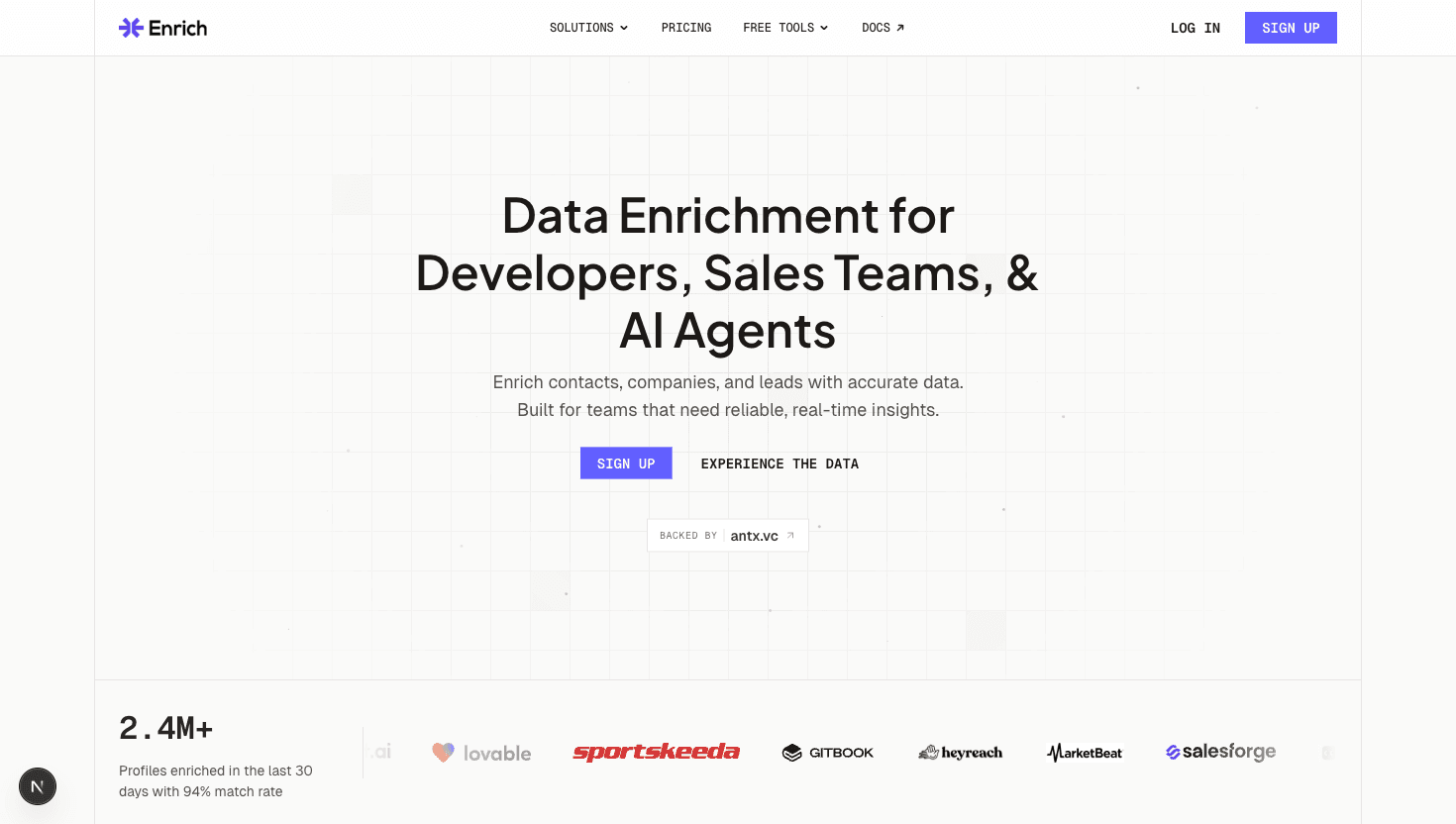
Enrich takes a different and more scalable approach than a Chrome extension: you pass it a LinkedIn URL, a name and company, or an existing CRM record, and the waterfall enrichment engine queries multiple data providers in sequence to return a verified email and phone number in a single CRM-ready record. This is the right approach for teams that need high match rates at scale without babysitting a browser extension through thousands of profile visits, and without the LinkedIn Terms of Service risk that comes with scraping tools.
The practical workflow is clean: upload a list of LinkedIn URLs or names and companies via the API or a CSV, and Enrich returns enriched records with verified email and phone written directly to your CRM or returned via API. Pricing starts from around $39 per month per credit, no annual contract, and the API and MCP server mean the workflow runs inside your existing scripts or AI agents. The honest caveat: Enrich does not install as a Chrome extension that pops up on a profile page. It is an enrichment API, which is more powerful for bulk workflows but less convenient for one-off profile lookups. For those, the extension-based tools below are faster.
See Enrich pricing and the LinkedIn email finder guide for a fuller breakdown of the workflow options.
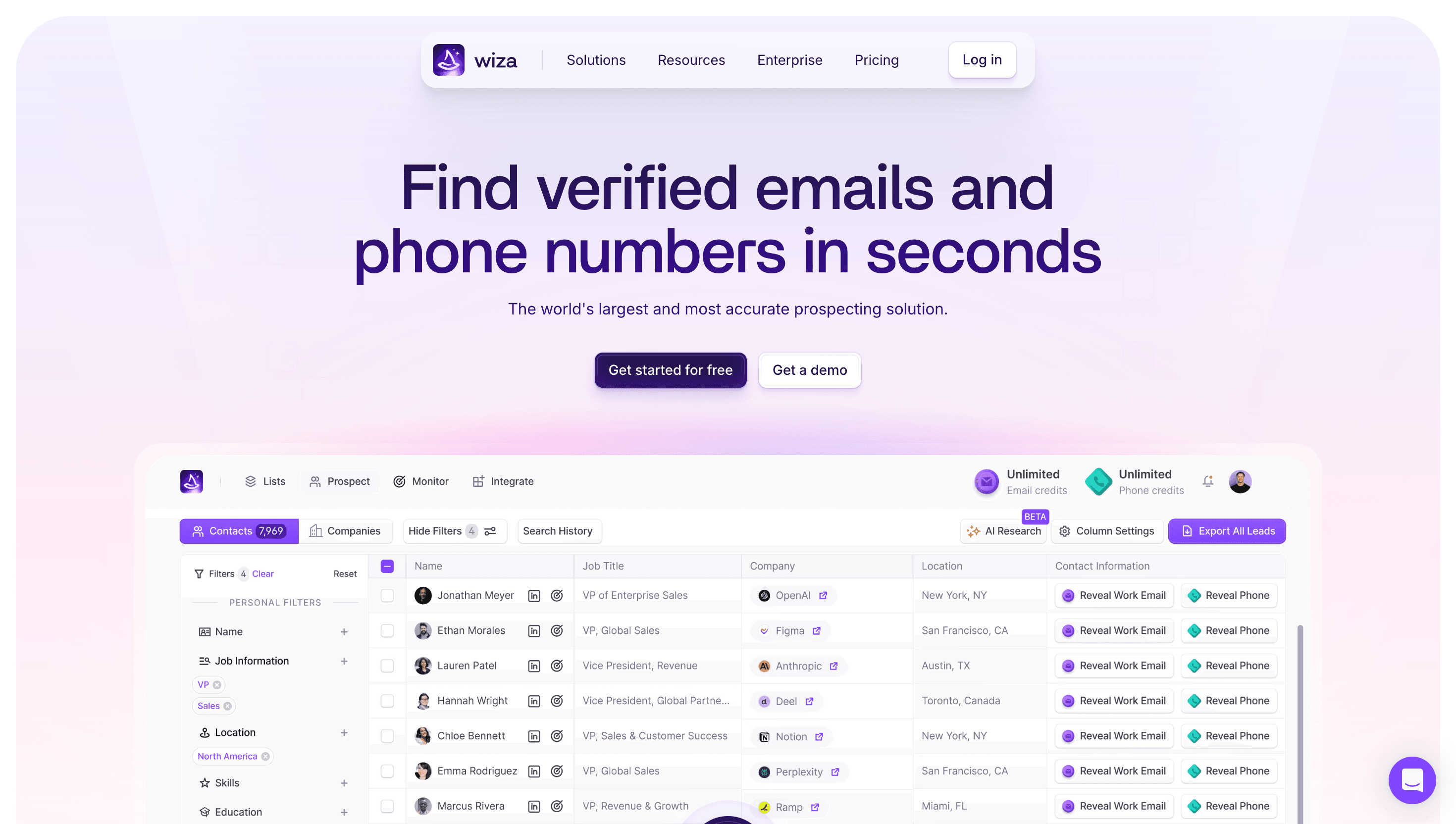
Wiza integrates directly with LinkedIn Sales Navigator to let you export filtered prospect lists with email addresses verified at export time. It is the most streamlined Sales Nav export tool in the category. Each email is verified before it hits your list, so bounce rates stay low. The limited free plan covers around 20 emails per month. Paid plans start from around $30-50 per month.
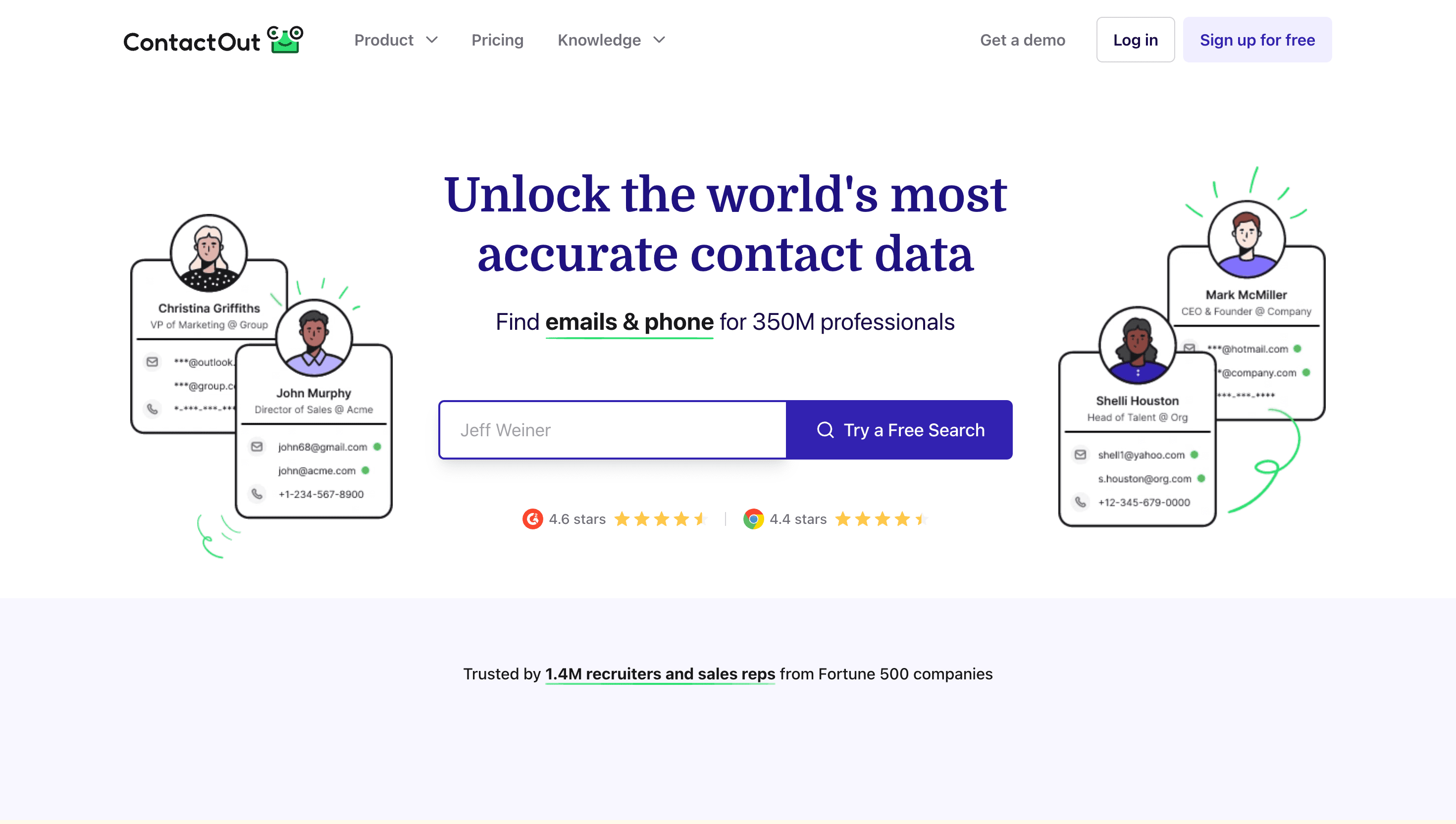
ContactOut is known for finding both personal and work email addresses from LinkedIn, which gives it an edge for reaching prospects who are harder to find via domain-based lookup. It is popular with recruiters and sales teams working executive lists. Plans start from around $99 per month.
Lusha's Chrome extension is the most popular free option that includes phone number reveals alongside email. With 5 free credits per month, you can pull both email and phone for a handful of targeted prospects directly from their LinkedIn profile. Paid plans start from around $49 per month.
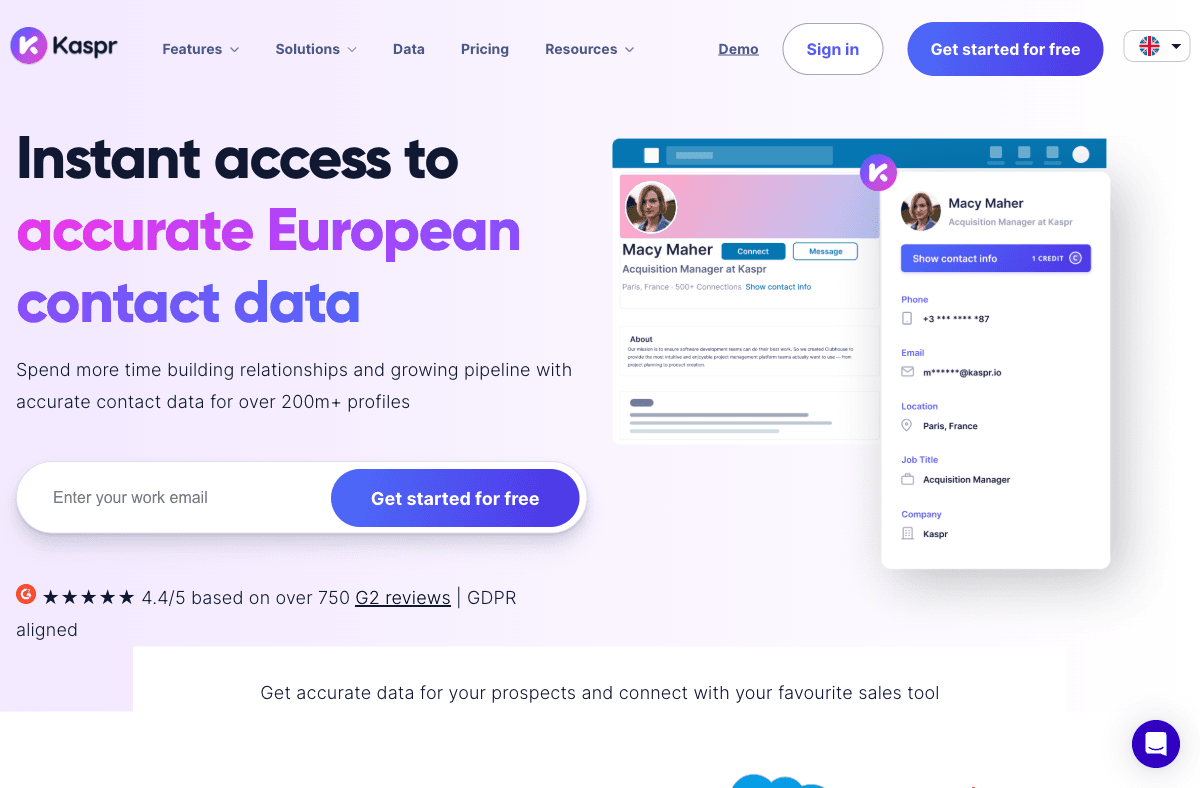
Kaspr is particularly strong for European contacts, with a good hit rate on EU-region profiles and a free tier that includes both email and phone credits. It integrates with LinkedIn via a Chrome extension and is popular with sales teams prospecting in France, Germany, and the UK. Free and paid plans from around $49 per month.
GetProspect offers 50 free email credits per month via a Chrome extension that surfaces emails when you visit LinkedIn profiles. The interface is clean and also includes a prospect database you can filter by title and industry.
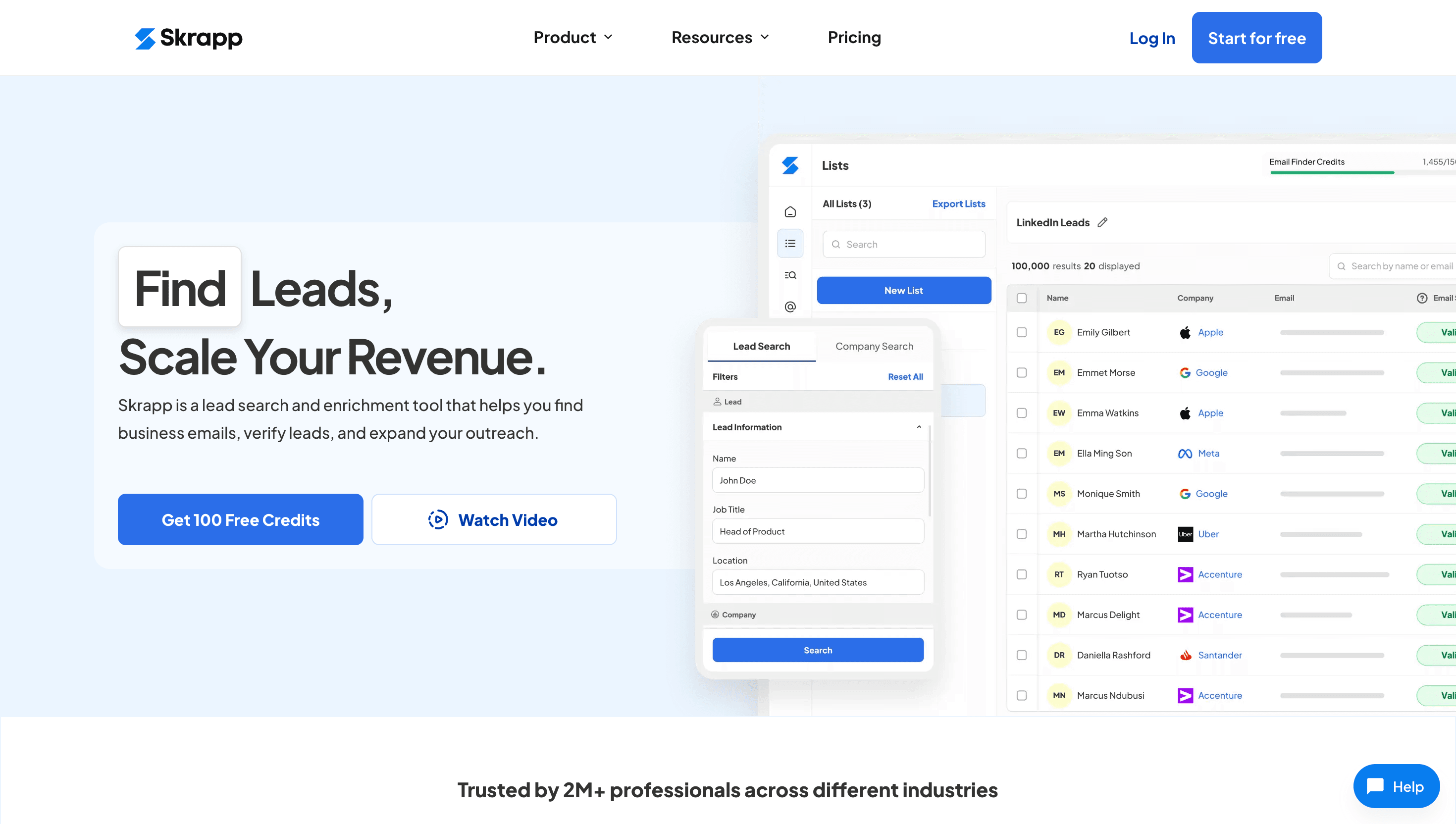
Skrapp uses the company's known email pattern and the contact's name to algorithmically generate and verify a business email. Its free tier gives 50 finds per month via Chrome extension. Paid plans start from around $39 per month.
Apollo.io's Chrome extension captures emails from LinkedIn profiles and pushes them directly into Apollo's database and built-in sequencer. The free plan gives access to the database with limited exports. For teams that want email finding and outreach in one tool, Apollo's free tier is the most feature-complete option.
Surfe (formerly Leadjet) is less about finding emails and more about syncing LinkedIn activity directly into your CRM in real time. When you view a profile, it shows enriched data from connected sources and lets you add notes, stages, and sequences without leaving LinkedIn. It is the best tool for CRM hygiene on a per-profile basis. Paid plans start from around $29 per month.
Findymail distinguishes itself by only returning and charging for addresses it can verify as valid. It integrates with Sales Navigator for bulk exports and is popular with teams that prioritize deliverability above volume. Trial credits are available. Paid plans start from around $49 per month.
The right tool depends on how you prospect. Match your motion to the option below:
The right LinkedIn email finder depends on how you prospect. One-off profile lookups are best served by a Chrome extension like Lusha or Kaspr. Sales Navigator power users should look at Wiza or Evaboot for clean, verified bulk exports. Teams building automated enrichment pipelines, especially those wanting email and phone together at scale, should evaluate Enrich's API-based waterfall approach, which avoids LinkedIn ToS risk and delivers consistently higher match rates.
Start with the LinkedIn email finder guide for a full breakdown of the workflow options, then compare approaches at Enrich pricing to see whether API-based enrichment fits your team's motion better than a browser extension.
For teams doing bulk enrichment and wanting both email and phone, Enrich is the top pick because it uses API-based waterfall enrichment rather than browser scraping, returns verified records at scale, and carries no LinkedIn Terms of Service risk. For one-off Chrome extension lookups, Lusha and Kaspr are the most useful free options. For Sales Navigator export workflows, Wiza and Evaboot are the most reliable choices.
Lusha, Kaspr, Apollo, GetProspect, and Skrapp all have genuinely free tiers with recurring monthly credits. Wiza offers a limited free plan. Enrich and Findymail provide one-time trial credits rather than a renewable free plan. Credit limits vary significantly, so review each tool's current free plan before committing.
Yes. LinkedIn's Terms of Service prohibit scraping at scale, and LinkedIn actively detects and restricts accounts engaging in it. Tools that automate profile visits at high volume create account-ban risk. The compliant alternative is API-based enrichment: you pass contact information to an enrichment provider like Enrich, which draws on its own licensed data sources rather than scraping LinkedIn in real time.
Accuracy depends heavily on the method. Tools that verify against live mail servers before returning an address (Hunter, Findymail, Wiza) tend to produce lower bounce rates. Pattern-based generators (Skrapp) are less reliable because the pattern can differ from the actual mailbox. Waterfall enrichment tools like Enrich draw on multiple sources and verify the result, which generally produces higher match rates and lower bounce rates than single-source tools.
European contacts are harder to find in general because GDPR restricts data aggregation. Kaspr and Cognism have the strongest EU coverage among the tools in this list. Enrich uses multiple data sources including EU-region providers in its waterfall, which improves match rates for European contacts compared to US-only databases.
100 free API credits. No credit card required. Start enriching data in minutes.